Skip to content
This guide covers 8 common outdoor projector thermostat enclosure issues and provides quick troubleshooting solutions, backed by 12 years of industry experience and 24/7 multilingual technical support.
As a critical protection for outdoor projectors, thermostat enclosures may encounter occasional faults due to extreme environments, improper use, or long-term operation. Below is a detailed breakdown of common problems and how to fix them.
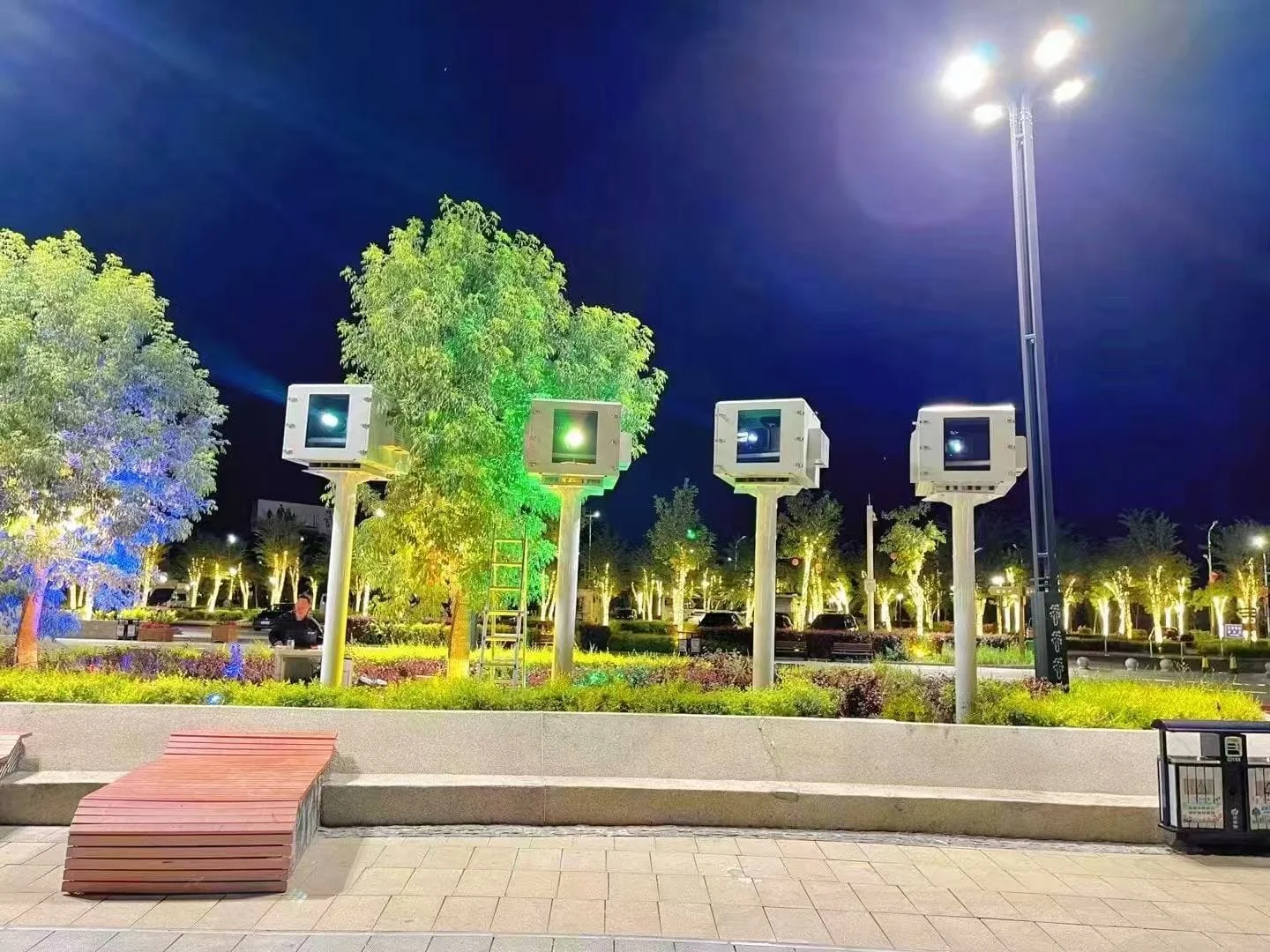
Common Fault 1: Temperature fails to reach the set range (too high/low)
Symptom
- Internal temperature stays above 30℃ or drops below 15℃ (optimal range: 20-25℃), triggering projector overheating or condensation.
- Remote monitoring shows temperature deviations >±2℃.
Possible Causes
- Poor ventilation: Air vents blocked by dust/sand (air-cooled models) or AC air intake blocked (AC models).
- Cooling system malfunction: Fans stopped/running slow (air-cooled) or AC compressor failed (AC models).
- Dual sensor failure: Temperature sensor inaccurate/damaged (humidity sensor works independently but shares monitoring system).
- Incorrect parameters: Misconfigured target temperature in app/desktop software.
Troubleshooting Steps
Check ventilation:
- Air-cooled: Clean IP65 dust filters and vents with compressed air.
- AC models: Clear debris from AC air intake/outlet grilles.
Inspect cooling system:
- Air-cooled: Verify fan operation – check power connection or replace motor if faulty.
- AC models: Listen for compressor hum (no sound = malfunction); check AC power supply and contact support for repair.
Calibrate temperature sensor: Use a professional thermometer to compare. Recalibrate via app/desktop or replace if deviation >±2℃ (dual sensors allow independent verification).
Reset parameters: Confirm target temperature is 20-25℃ (default optimal range).
Extreme environment solution: Upgrade to dual-compressor AC (for >55℃) or high-power PTC heating (for ℃).

Common Fault 2: Humidity control failure (no dehumidification)
Symptom
- App/desktop shows humidity >80%RH, but heating dehumidification module doesn’t activate.
- Condensation appears on lens (humidity sensor triggers dehumidification; temperature sensor assists in preventing overheating during dehumidification).
Possible Causes
- Humidity sensor malfunction: Failed to detect high humidity or send incorrect signals.
- Heating module failure: PTC element damaged or power disconnected.
- Sealing issues: Rubber gaskets aging/cracked, leading to moisture ingress.
- Threshold misconfiguration: Dehumidification trigger set above 80%RH (default).
Troubleshooting Steps
- Verify humidity sensor: Use a handheld hygrometer to cross-check. Recalibrate via app or replace (free original sensors within warranty).
- Test heating module: Manually set threshold to 60%RH to trigger – replace module if no heat.
- Inspect sealing: Replace damaged gaskets and ensure door closure (pressure relief valves intact).
- Reset threshold: Confirm 80%RH trigger in software.

Common Fault 3: AC Model-Specific – Air conditioning not cooling
Symptom
- AC unit powers on but fails to lower temperature (for high-lumen projectors >5000 lumens).
- Projector overheats despite enclosure operation.
Possible Causes
- AC refrigerant leakage: Insufficient coolant for heat exchange.
- Compressor failure: Core cooling component damaged (common in extreme heat).
- AC filter clogging: Dust buildup on AC internal filter blocks airflow.
- Temperature sensor misalignment: Sensor not positioned near AC outlet, leading to incorrect readings.
Troubleshooting Steps
- Clean AC filter: Remove and clean the AC internal filter (located behind intake grille) – replace if damaged.
- Check refrigerant: If AC blows warm air, refrigerant may be leaking – contact support for professional recharge (do not attempt DIY).
- Verify compressor: Listen for steady hum (rattling/clicking = fault); check AC power cable and fuse.
- Realign sensor: Ensure temperature sensor is mounted 10-15cm from AC outlet for accurate feedback.
Common Fault 4: Fan/AC makes abnormal noise (rattling/whistling)
Symptom
- Air-cooled: Fan emits loud rattling/grinding.
- AC models: Compressor or AC fan makes whistling/banging noises.
- Noise disrupts quiet environments (hotels, scenic spots).
Possible Causes
- Dust/debris: Stuck in fan blades (air-cooled) or AC fan (AC models).
- Mechanical wear: Fan bearings aging (air-cooled) or AC compressor loose (AC models).
- Installation issues: Fan/AC unit not securely fixed, causing vibration.
Troubleshooting Steps
1.Clean components: Turn off power – remove debris from fan blades (air-cooled) or AC fan (AC models) with a soft brush.
2.Lubricate/replace:
- Air-cooled: Lubricate fan bearings or replace (5-year warranty on industrial-grade fans).
- AC models: Tighten loose compressor bolts; contact support for bearing replacement if noise persists.
3.Secure installation: Add shock-absorbing pads and tighten fixing screws.
Common Fault 5: Remote monitoring disconnects (app/desktop can’t connect)
Symptom
- Android app or LAN desktop fails to connect; dual sensor data not updated.
Possible Causes
- Network issues: Wi-Fi/Bluetooth (app) or LAN (desktop) unstable.
- Power failure: Monitoring module disconnected from power.
- Network module damage: Enclosure’s communication module faulty.
- Outdated software: App/desktop version incompatible with sensor data transmission.
Troubleshooting Steps
1.Check network:
- App: Connect to 2.4GHz Wi-Fi/Bluetooth; reset router.
- Desktop: Ensure same LAN as enclosure; check Ethernet cable.
2.Verify power: Confirm monitoring module’s power cable is secure (connected to enclosure’s main power supply).
3.Reset module: Press reset button (5 seconds) on network interface; reconnect via app/desktop.
4.Update software: Download latest “Shirui Smart Enclosure” app (Google Play) or desktop software.

Common Fault 6: Enclosure door can’t close tightly
Symptom
- Gaps between door and body; dust/moisture enters (compromises IP65 protection for both air-cooled/AC models).
Possible Causes
- Gasket issues: Misplaced/damaged rubber gaskets.
- Hinge deformation: Bent due to collision.
- Lock failure: Broken/misaligned lock.
- Foreign objects: Sand/debris stuck in door edge.
Troubleshooting Steps
- Remove debris: Clean door edge and contact surface.
- Adjust/replace gaskets: Reinstall or replace aging gaskets (free spares provided).
- Repair hinges/lock: Straighten hinges or tighten/replace lock.
Common Fault 7: Power supply failure (enclosure doesn’t power on)
Symptom
- No power (indicator off); cooling (fan/AC), heating, and dual sensors inactive.
Possible Causes
- Power cable issues: Damaged/disconnected cable (compatible with 110-240V global voltage).
- Socket failure: Faulty power source.
- Blown fuse: Internal fuse burned out (overvoltage/short circuit).
- Power supply unit (PSU) damage: AC models have dedicated PSU for both enclosure and AC unit.
Troubleshooting Steps
- Check cable: Replace damaged cables with original Shirui parts.
- Test socket: Use a different device to verify power.
- Replace fuse: Use same specification (5A/250V); avoid higher-rated fuses.
- Inspect PSU: For AC models, check dedicated AC power supply – contact support for replacement if faulty.
Common Fault 8: Dual sensor data inconsistency
Symptom
- App/desktop shows conflicting temperature/humidity readings (e.g., temperature stable but humidity fluctuates drastically).
Possible Causes
- Sensor misplacement: One sensor blocked by projector/obstacle.
- Sensor contamination: Humidity sensor covered in dust/moisture.
- Calibration drift: Sensors not calibrated for 6+ months.
Troubleshooting Steps
- Reposition sensors: Ensure both sensors are mounted in open areas (not blocked by equipment; 10cm away from heating/cooling outlets).
- Clean sensors: Wipe humidity sensor with a dry cloth (avoid water); remove dust from temperature sensor.
- Recalibrate: Use app/desktop calibration tool or contact support for professional calibration.
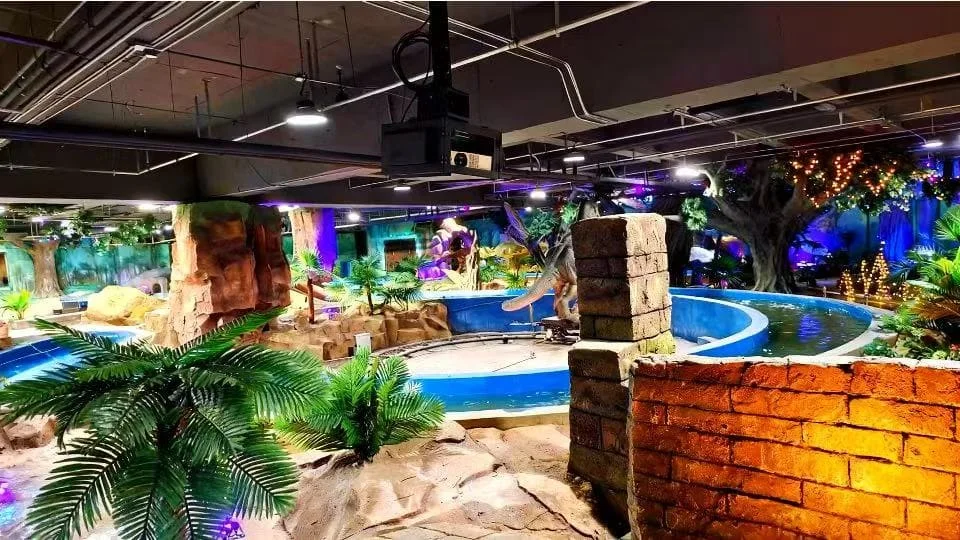
Preventive Maintenance Tips: Reduce Faults by 70%
- Clean vents/filters (air-cooled) and AC grilles/filters (AC models) every 1-2 months (more frequently in sandstorm-prone areas).
- Inspect gaskets quarterly; replace if aging.
- Calibrate dual sensors every 6 months.
- For AC models: Check refrigerant levels annually; clean AC condenser coils.
- Store spare parts (gaskets, fuses, filters) for quick replacement.
Conclusion
Most faults stem from improper maintenance or environmental factors. This guide helps resolve common issues for both air-cooled (low-lumen) and AC (high-lumen) models, leveraging dual sensor data for precise troubleshooting. For complex problems, Shirui’s 12-year expertise and global support ensure reliable protection for your projector investment.
Contact us today for further assistance or maintenance advice!